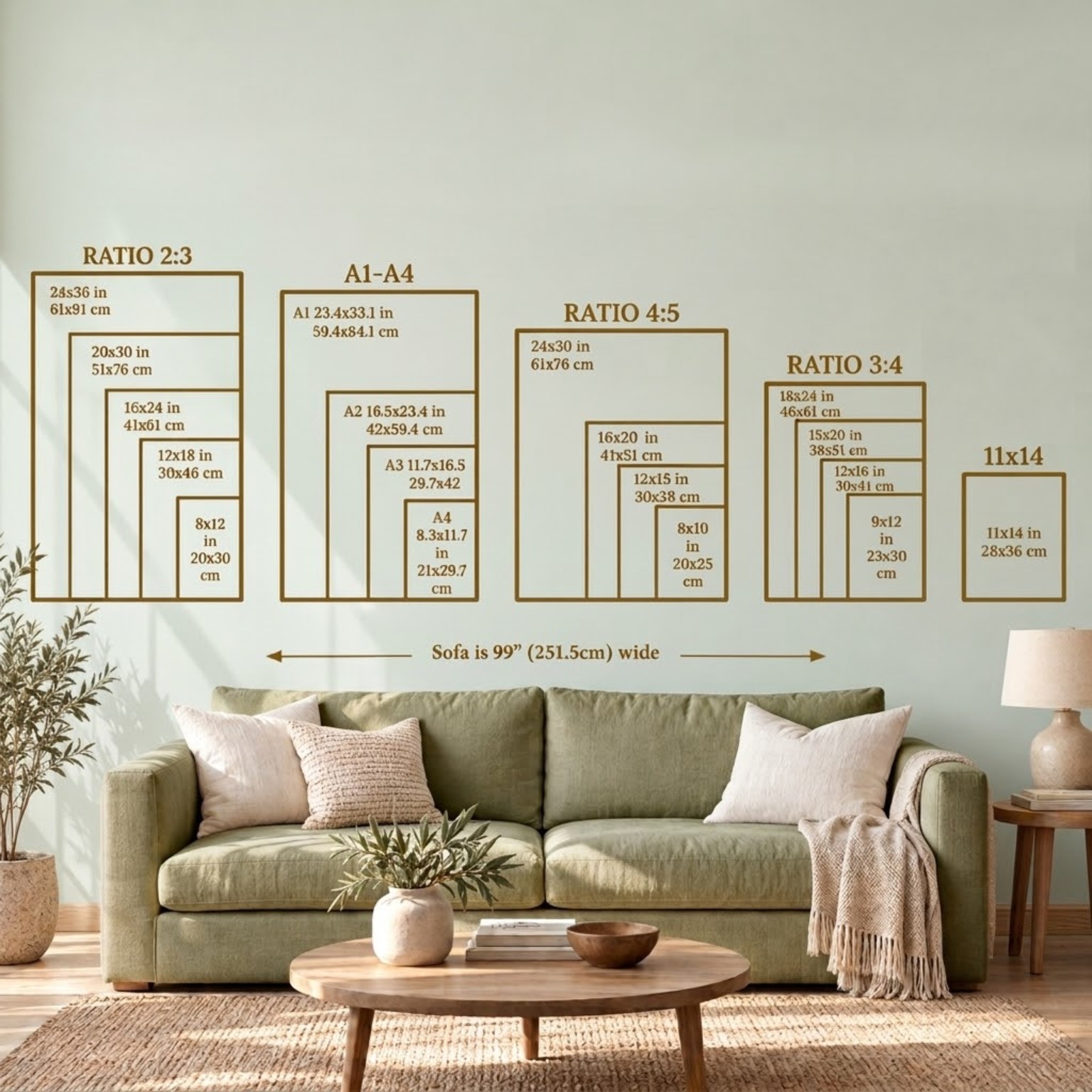
 View full size ↗
 Free Etsy Image Workshop← Back to the 7-step guide
Ready-made size guides.
A simple start for your shop.
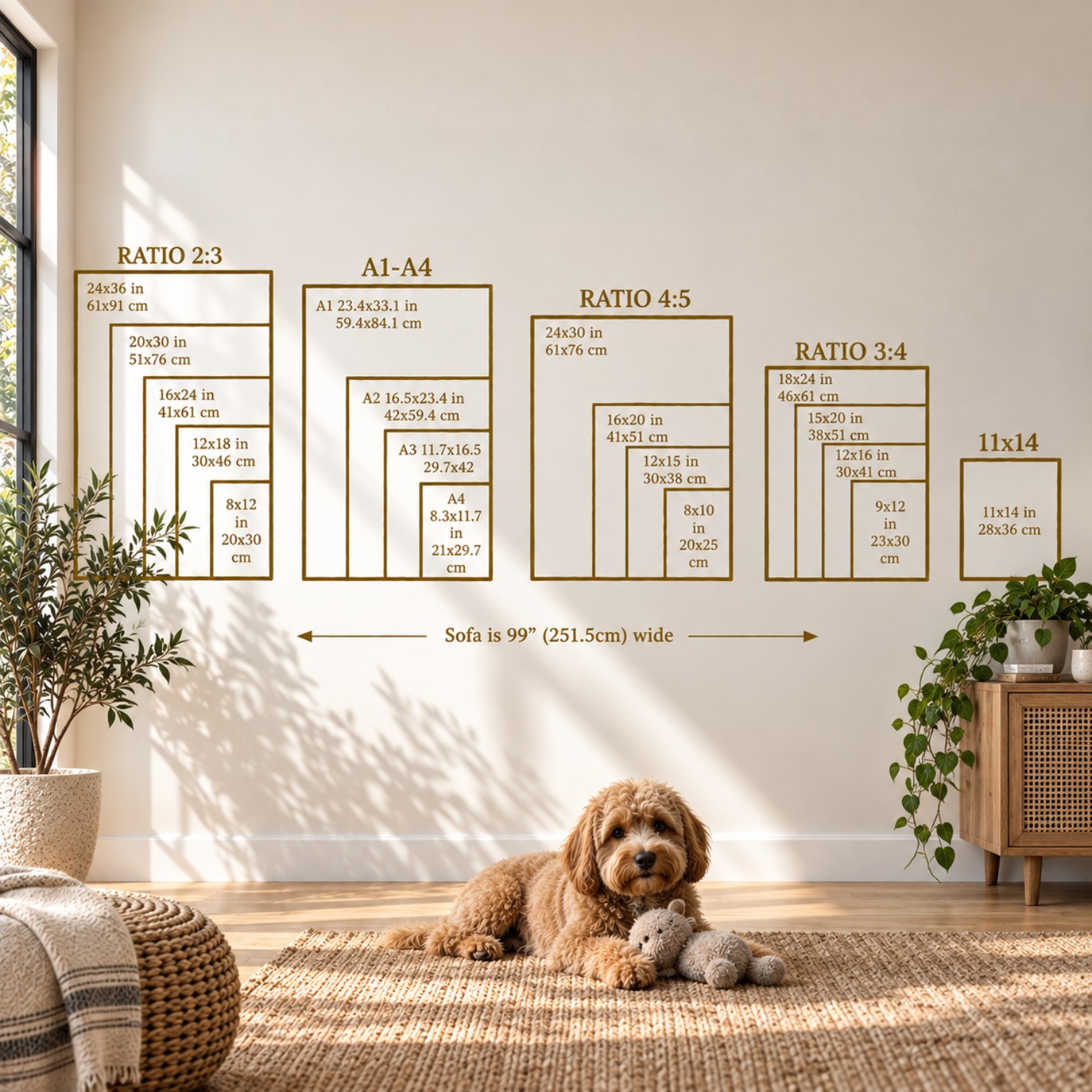
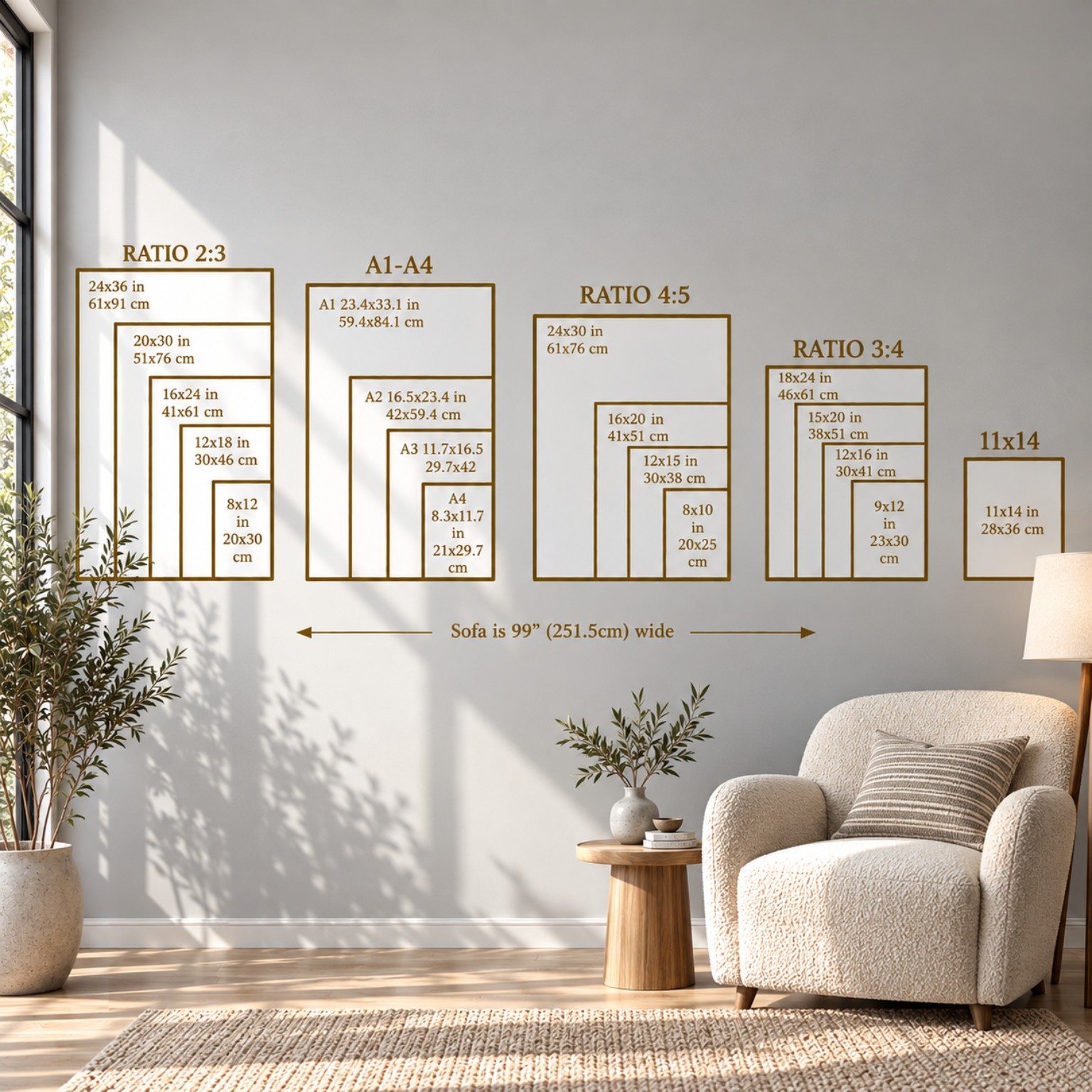
Choose from ten free size-guide mockups. Preview, download and use your favourite as an extra listing image.
Need a shop banner or logo? Our Canva and ChatGPT branding instructions are in Step 4 →
1 Choose an image2 Check the details3 Download or add to a lineup
10 FREE STARTER IMAGES
Choose a ready-made size guide
Pick a room style to get started. Download the original image, or choose it in DraftSprite’s Mockup Library to add it to your listing’s image lineup.
All ten are free for anyone to use in their shop. Check that the sizes and wording shown match the products you sell.
Open Mockup Library → Store imagesView full size ↗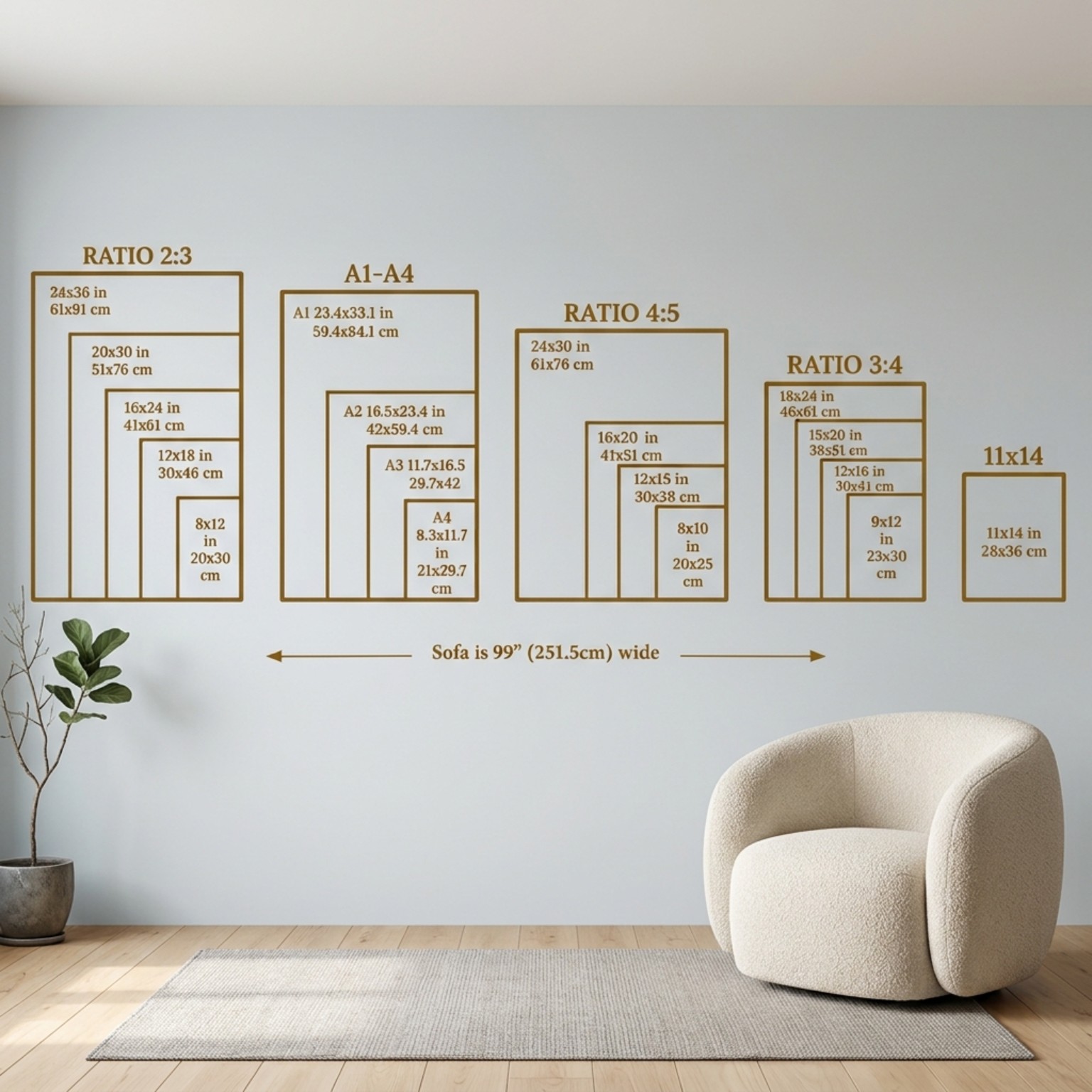 View full size ↗
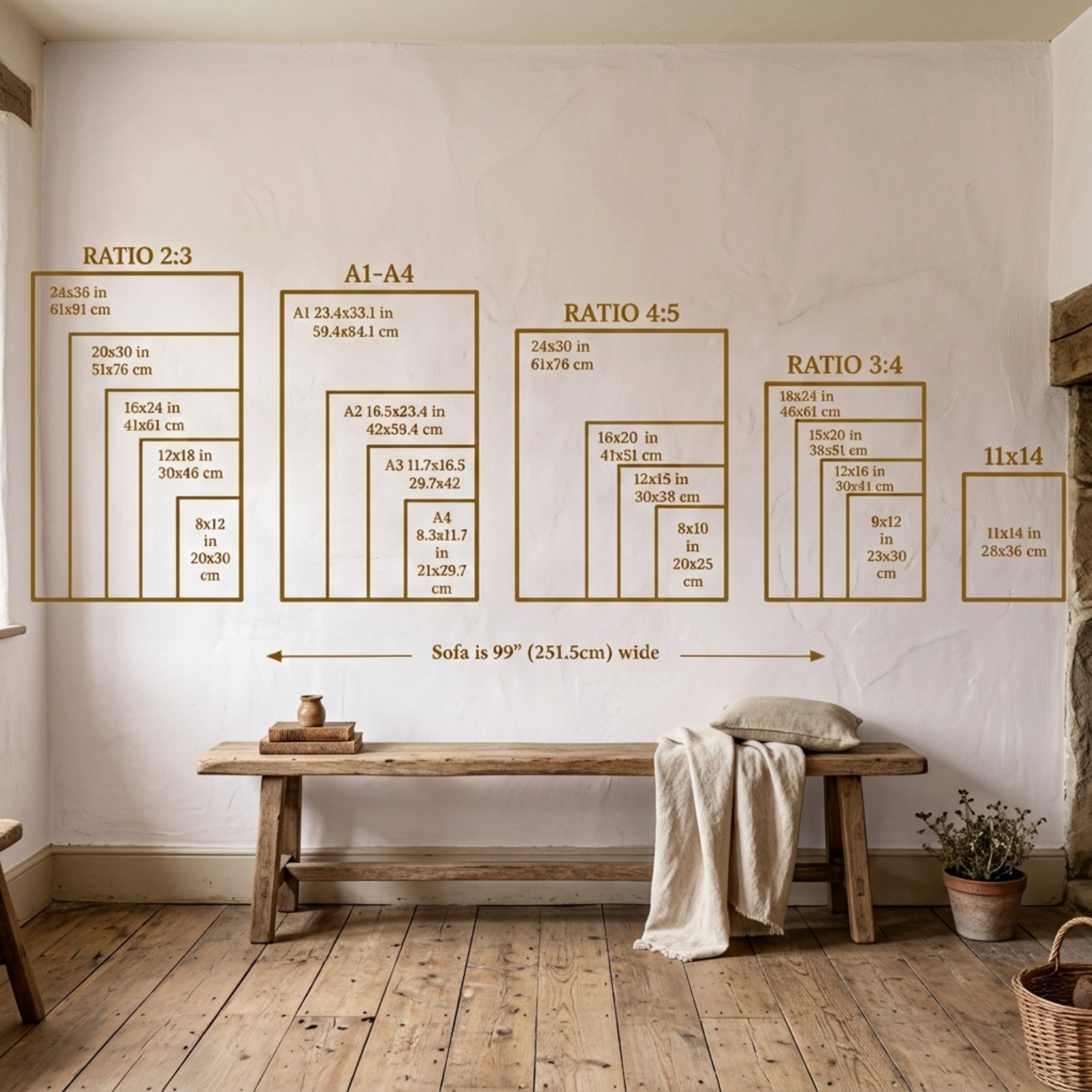 View full size ↗
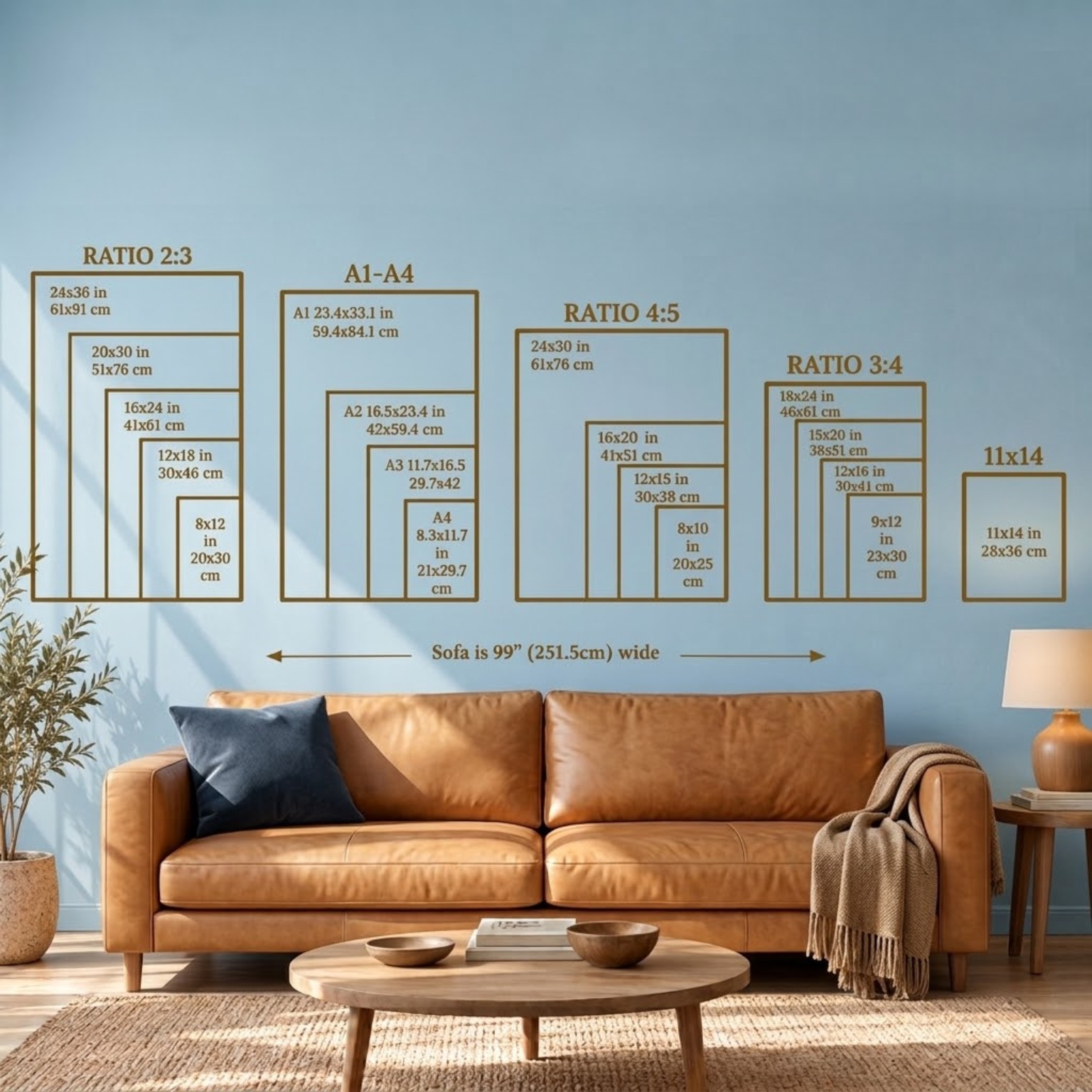 View full size ↗
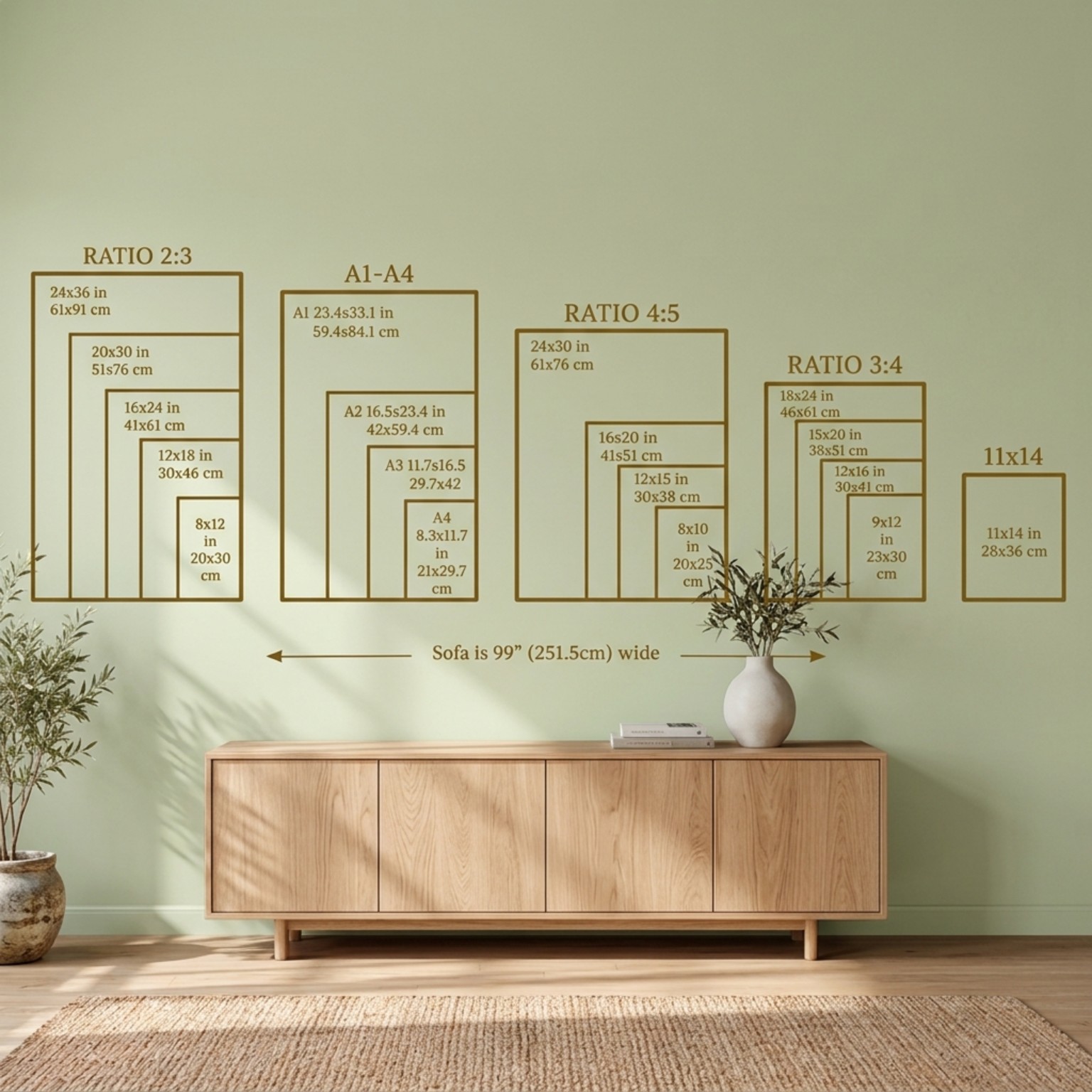 View full size ↗
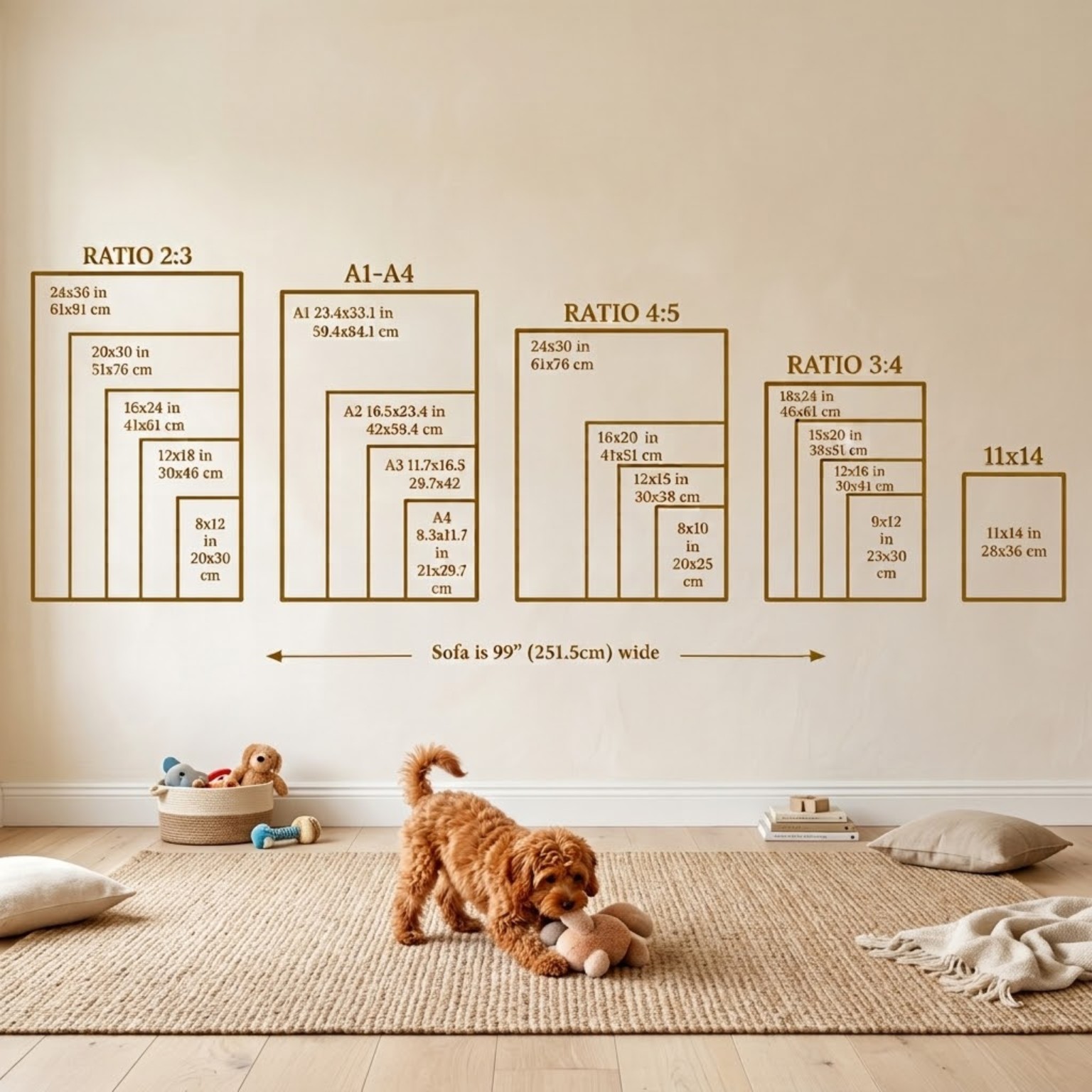 View full size ↗
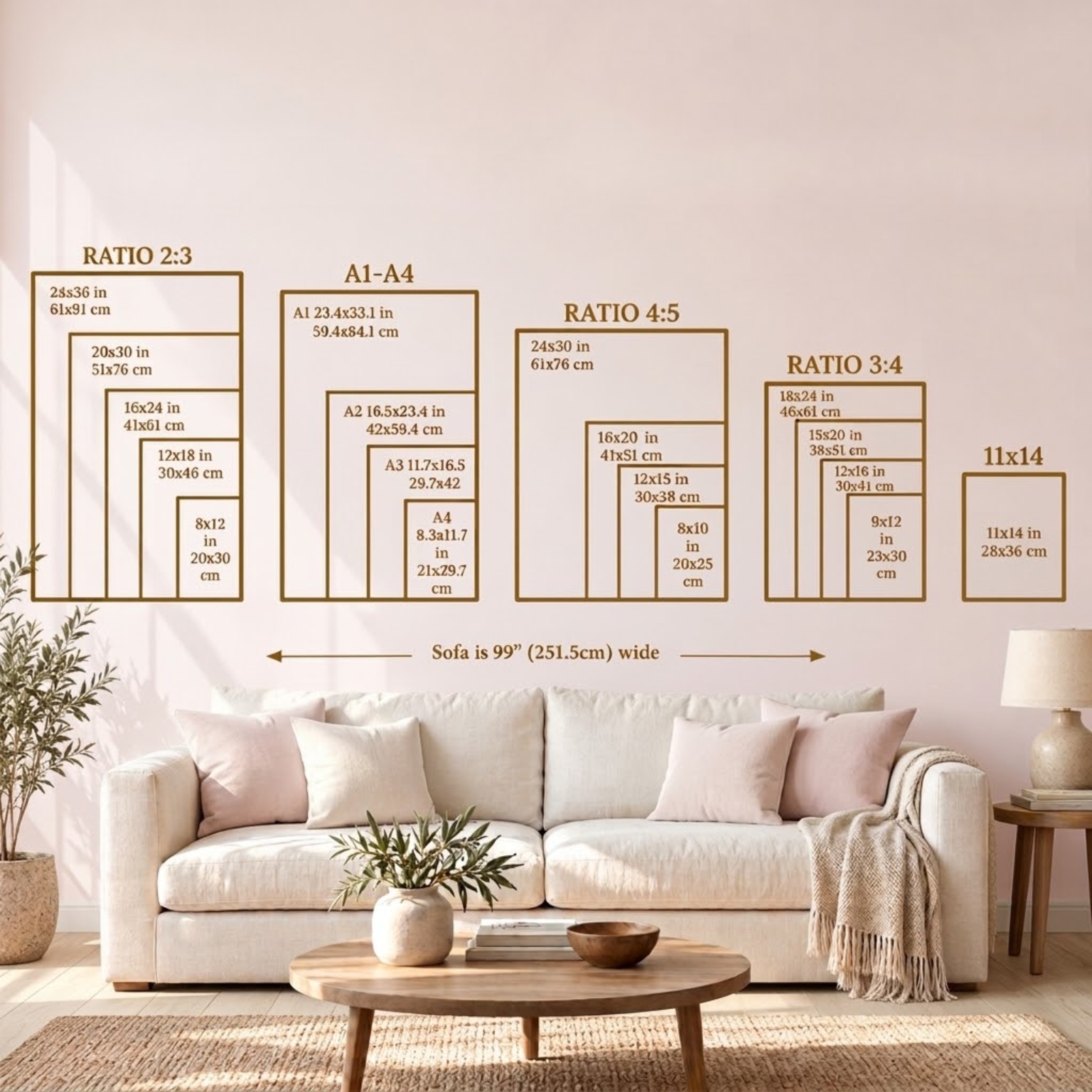 View full size ↗
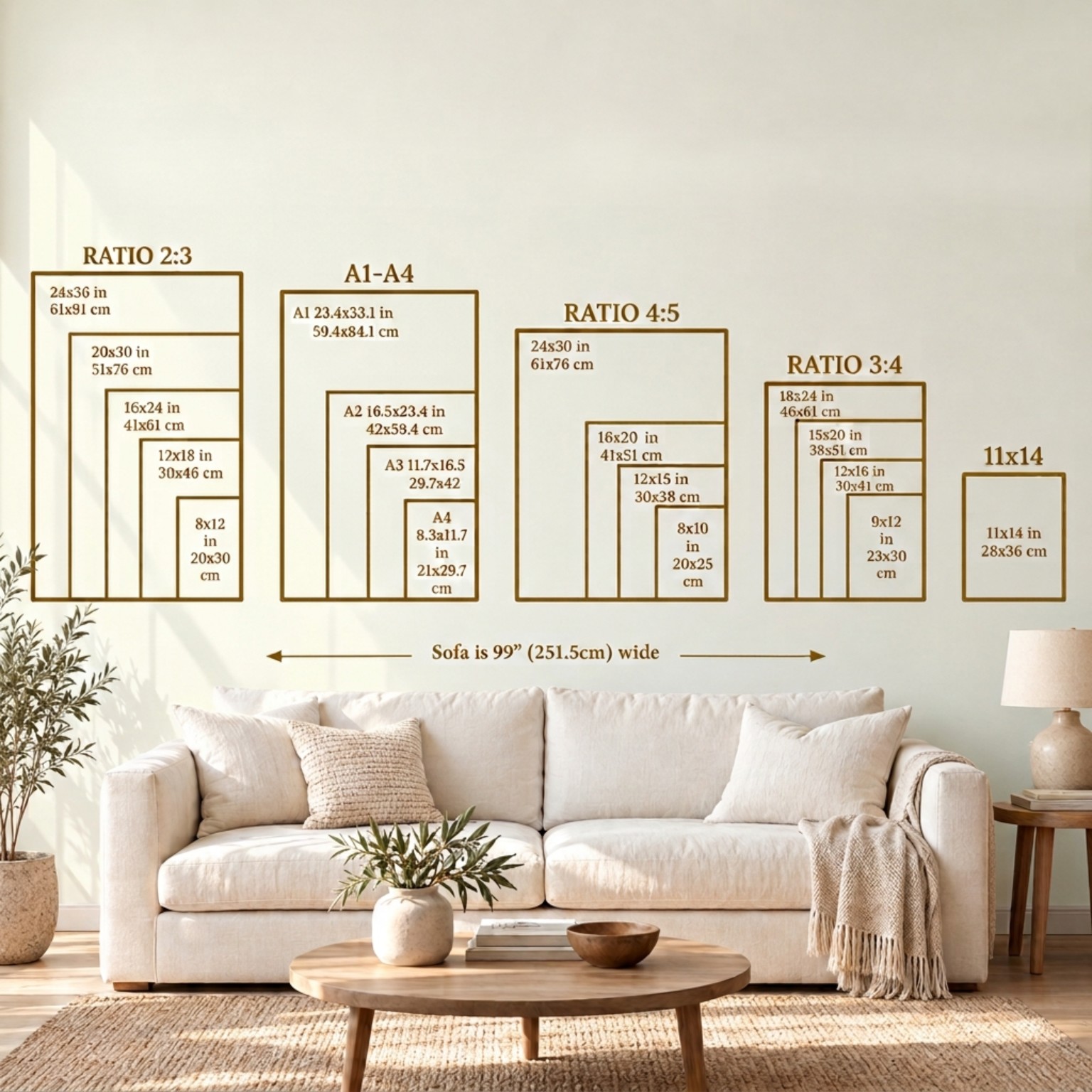 View full size ↗
 View full size ↗
 View full size ↗
Use one as an extra listing image
Place your chosen size guide after the main artwork photo or mock-up. In DraftSprite, open Mockup Library → Store images and click a starter to add it to your current lineup. It stays available there for your next listing too.
Original images, supplied as starter graphics. Preview the wording, measurements and furniture captions before using one.